See your link the way LinkedIn does
Every time someone pastes your link, a crawler reads your page and draws a card. Most designers never look at what it reads.
You can see it yourself with one command:
Code
curl -sA "facebookexternalhit/1.1" https://your.site/page | grep -oE '<meta property="og:[^>]*>'If a tag is missing here, it is missing in the post. The card is built from the tags in your HTML, defined by the Open Graph protocol (opens in a new tab).
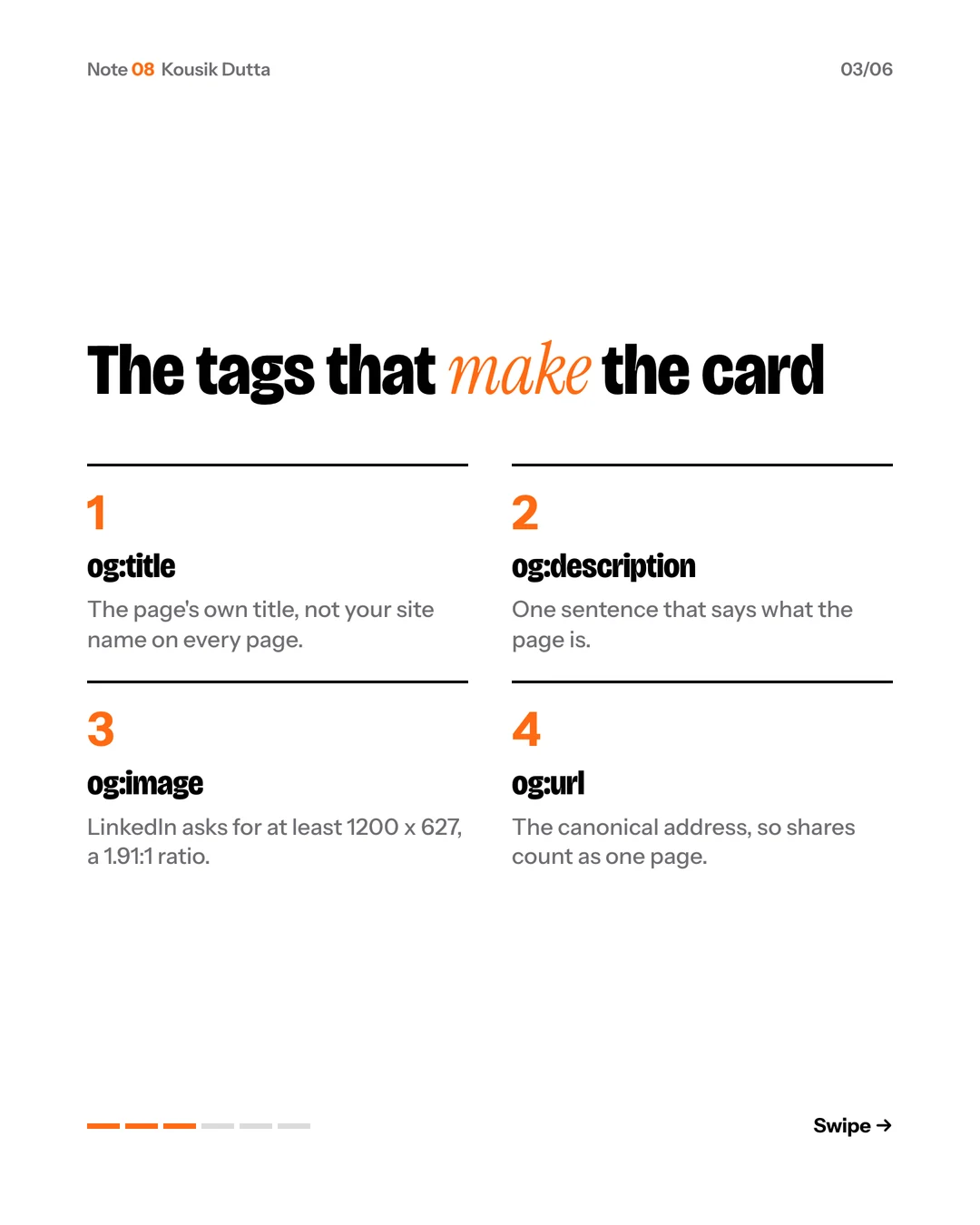
LinkedIn’s own guidance asks for an image of at least 1,200 by 627 pixels, a 1.91 to 1 ratio, in its help article on shareable pages (opens in a new tab).
Fixed it and the old card still shows? LinkedIn says to allow 48 hours (opens in a new tab). Or paste the link into Post Inspector (opens in a new tab) to fetch it again right away.
My site draws a card for every case study and note from its own type at build time, and the build fails if a page is missing one.
Your link is the first screen most people ever see.
Want it as slides? Download the carousel.